- Suite -> My Website ->Web Link ->Custom Domains -> Import Existing Domain
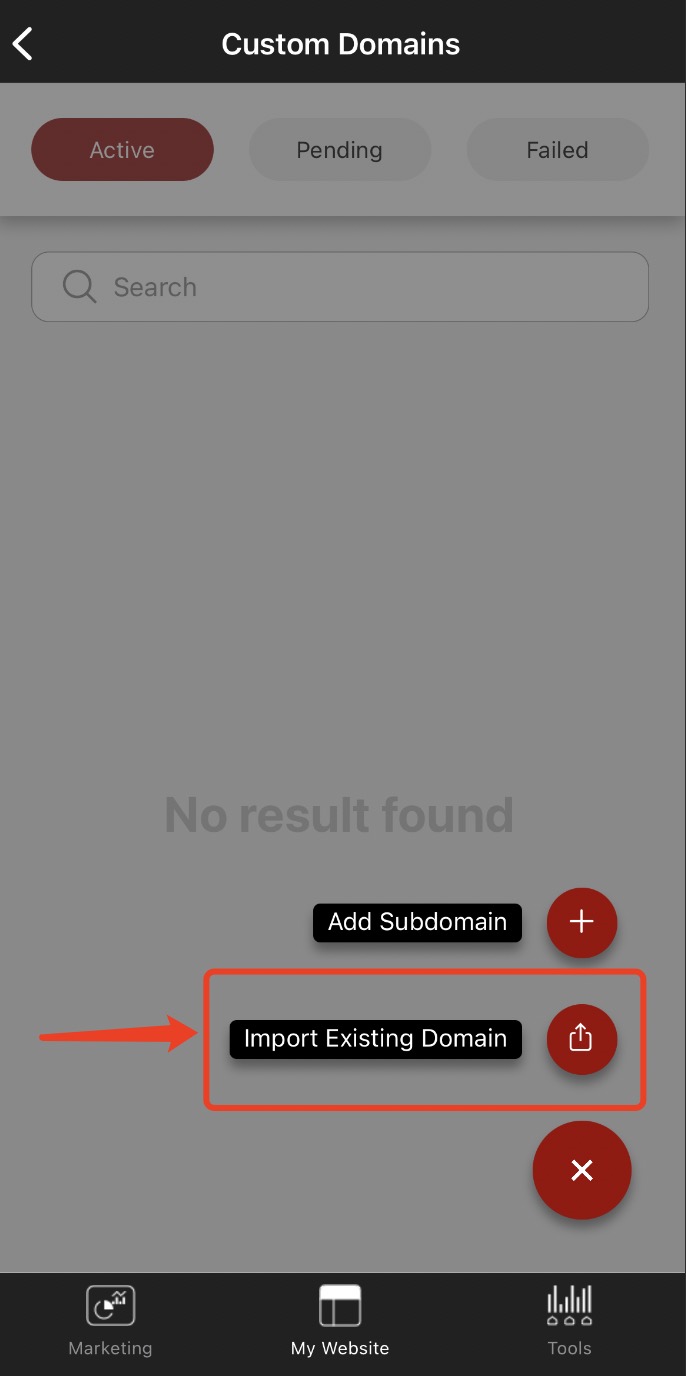
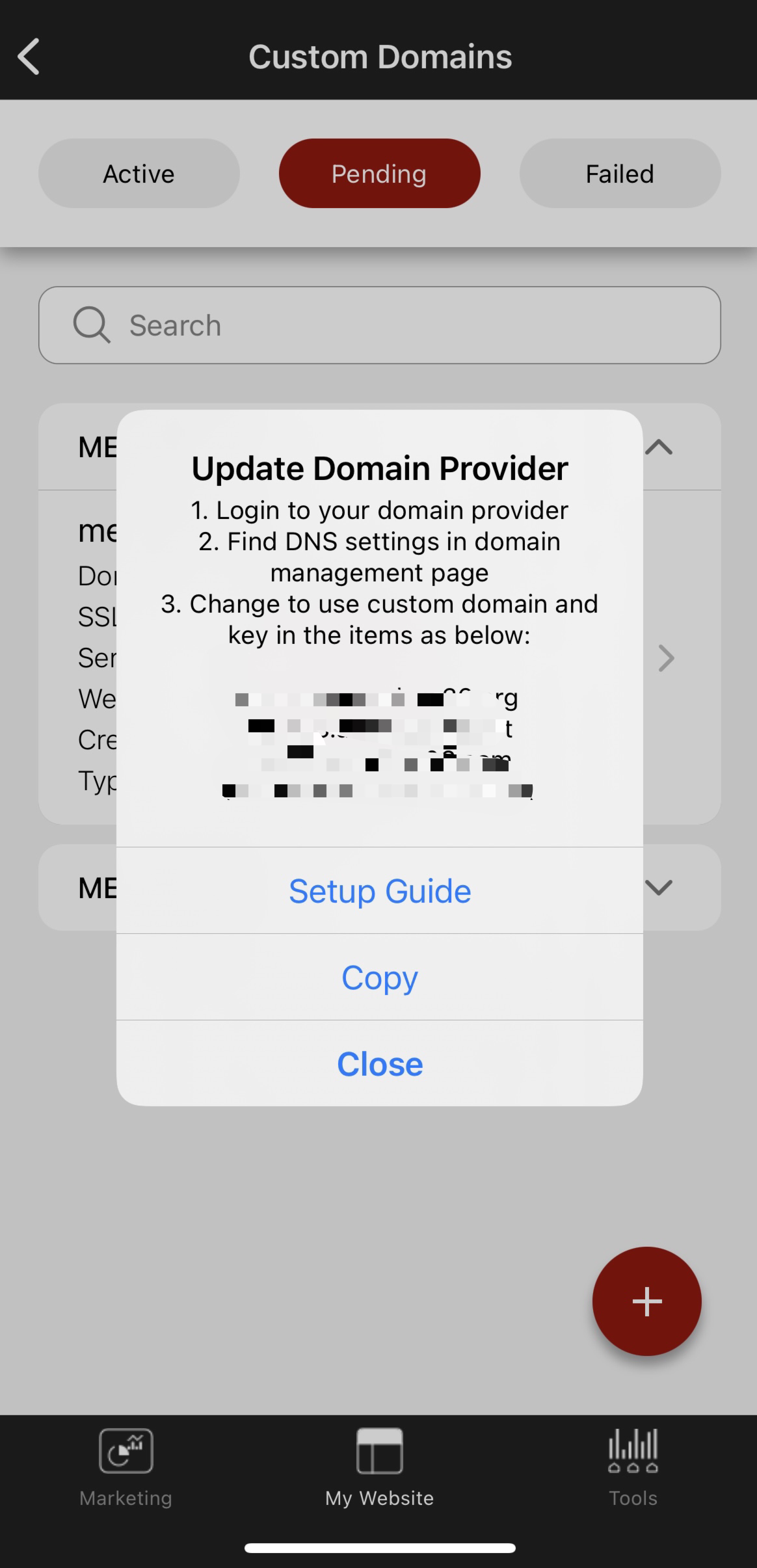
- Once you have imported the domain successfully, you will see this pop up window, note down the highlighted text or tap on Copy
-
Login to your domain provider, for example: godaddy.com
-
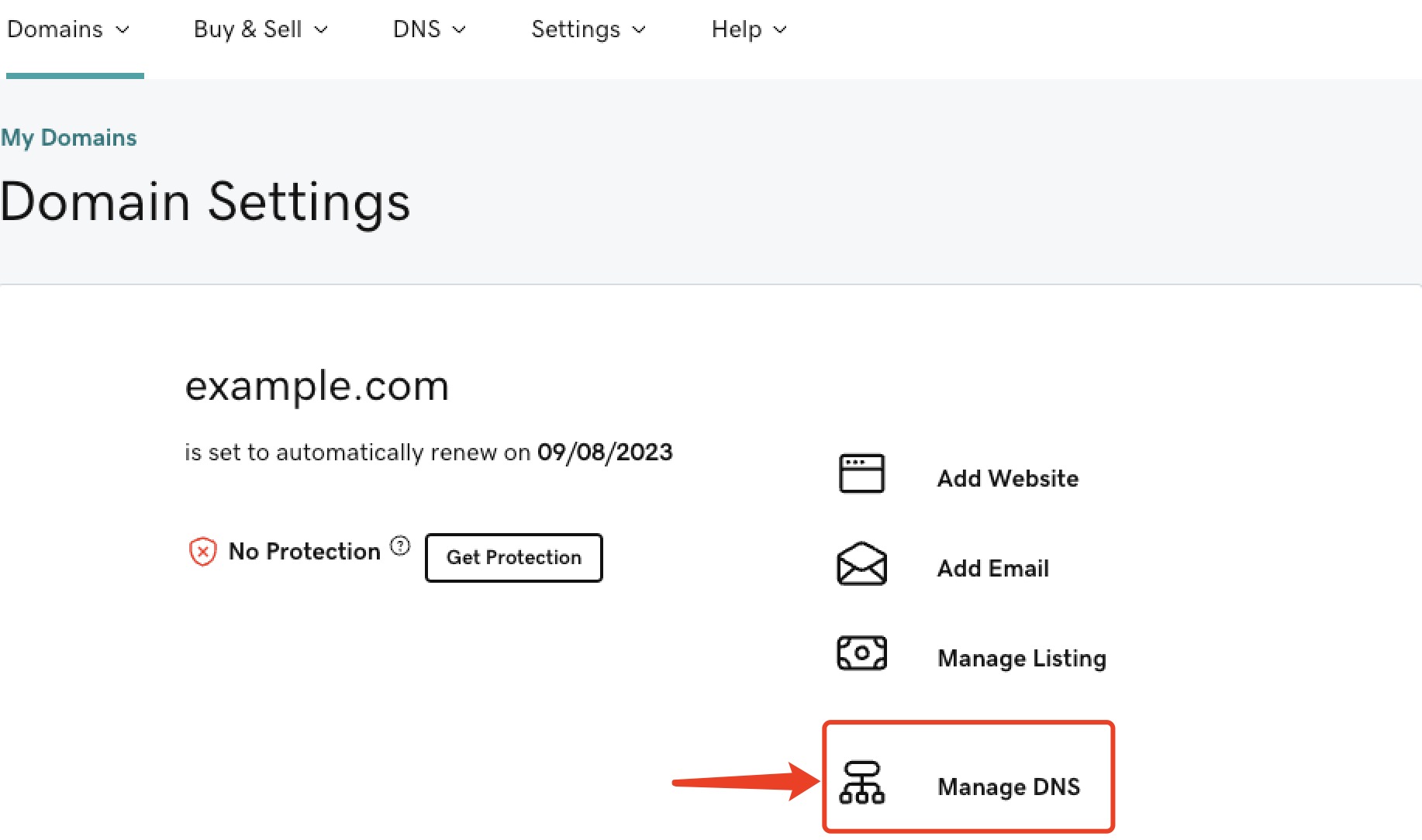
Go to the domains page, select the desired domain, press DNS
- At the Nameservers section, press Change
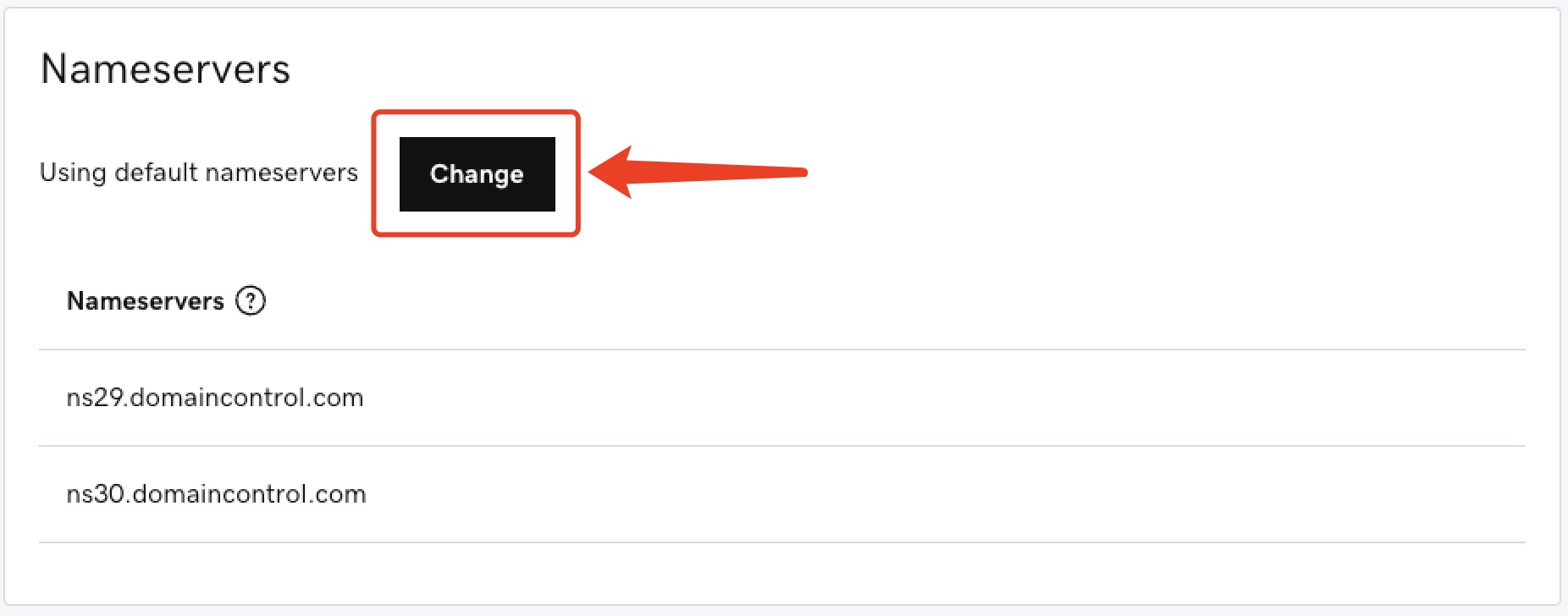
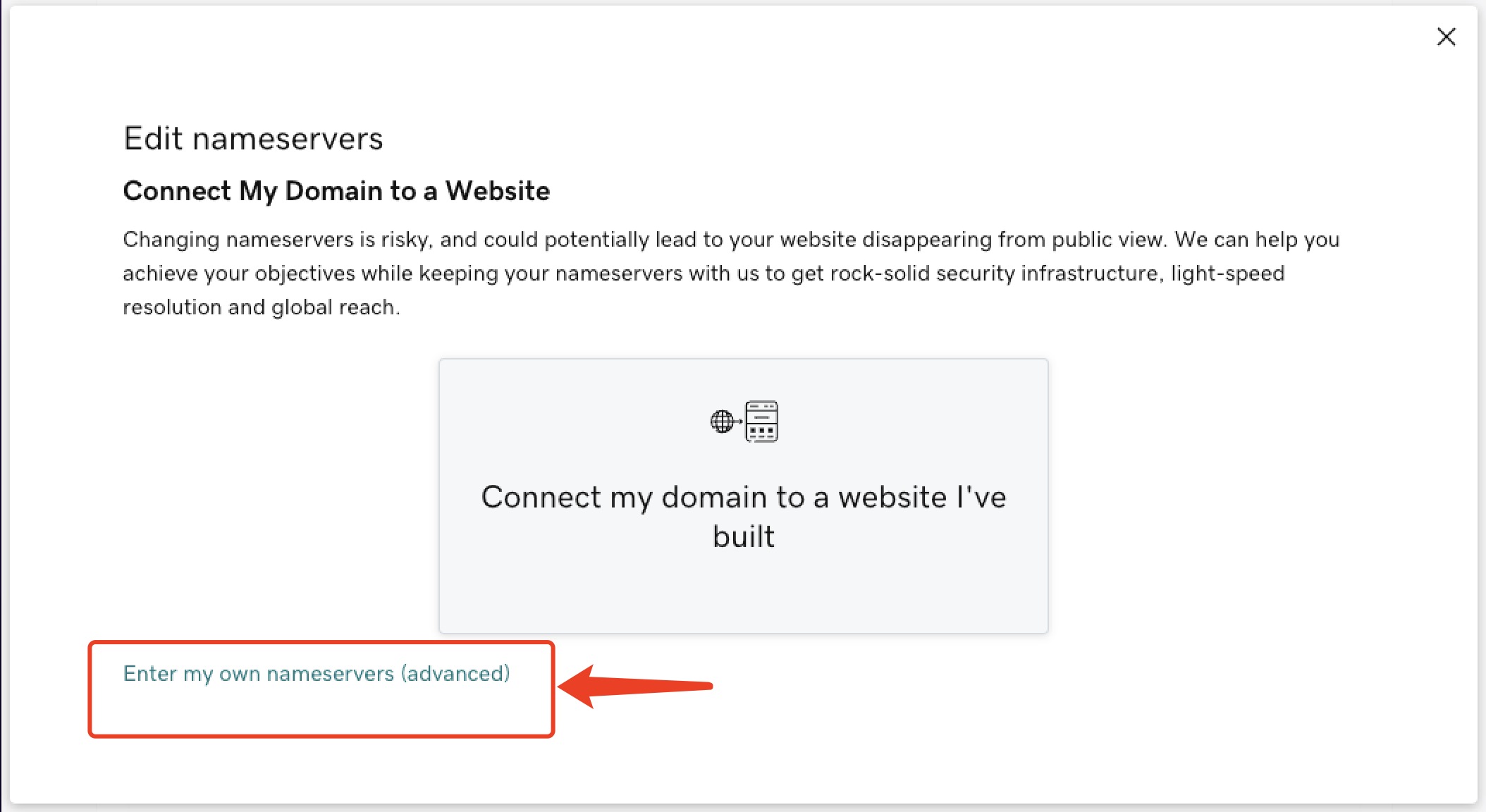
- At DNS Management page ,choose ‘Edit nameservers’ section, select ‘Enter my own nameservers(advanced)’.
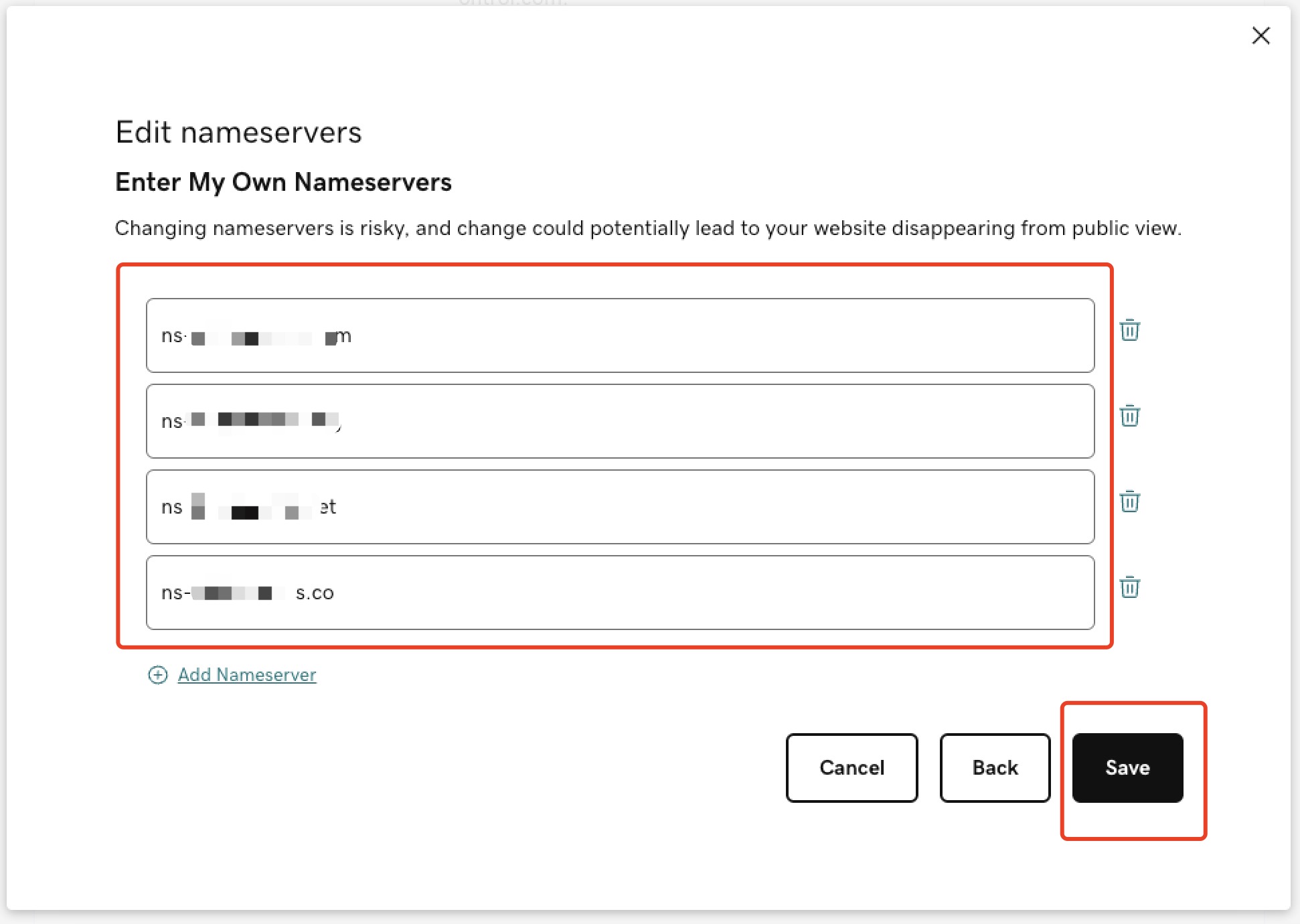
- At Edit nameservers page , fill in the 4 lines of text copied earlier, and ‘Save’
- Wait a while, we will do the rest. You will receive a notification on your SALES+ app once setup is completed.